
Choosing the right signature app usually starts with a messy real-world question. A customer wants to approve a proposal, sign a form, or finish an agreement, and the team has to decide whether a simple signing tool is enough, whether a contract platform would save admin later, or whether the workflow needs stronger identity checks and better evidence handling. In the UK, that choice matters even more because electronic signatures have been formally recognised in law since the Electronic Signatures Regulations 2002 came into force on 8 March 2002, and government guidance later confirmed that electronic signatures can be used even where a statute requires a signature, while also noting that advanced and qualified signatures are not widely used in English-law documents. The practical question is no longer whether e-signing is allowed, but what kind of workflow fits the document, the signer, and the website or form it needs to connect to.
The best apps for signatures are the ones that fit the job without creating another layer of admin. A proposal sent once a week needs something different from a contract process tied to CRM records, identity checks, website forms, or a deed that needs stronger evidential care. UK adoption also shows the gap between legality and habit, with government guidance saying simple electronic signatures are the most widely used type, while user trust is still uneven, which is why the smoother the signer journey, the better the rollout tends to feel in practice.
The best app is the one that removes friction without creating a larger administration burden.
This comparison looks at practical use cases, feature depth, pricing style, limitations, integrations, compliance questions, and how each choice can plug into a 1stNet-built website. If you need the surrounding website live quickly, with domain, SSL, hosting, maintenance, and support bundled in, the signing app still needs to earn its place in the workflow.
Table of Contents
1. Adobe Acrobat Sign
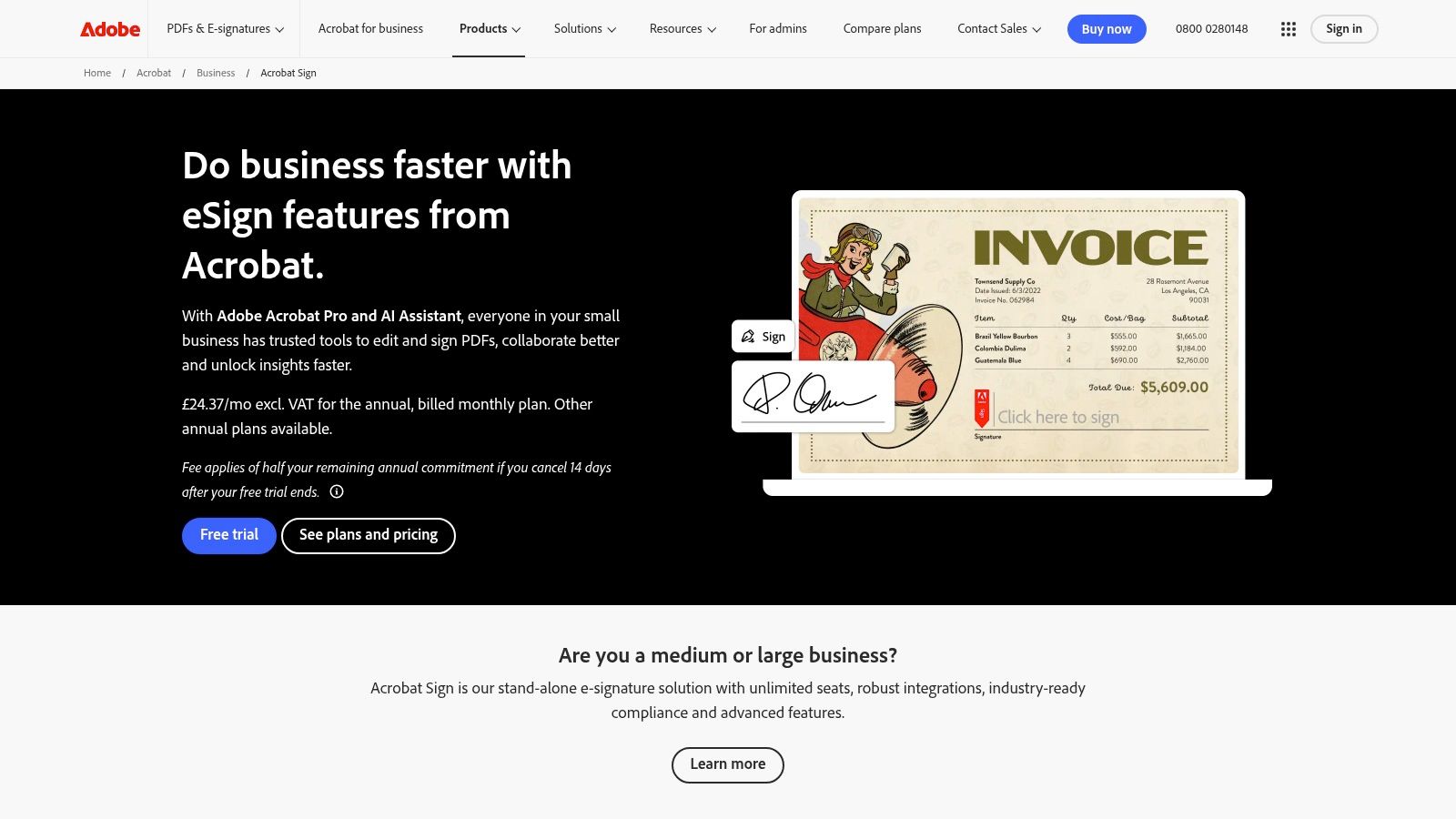
Adobe Acrobat Sign feels like the choice for teams that already live inside PDFs, Microsoft 365, Google, Box, or Salesforce. Its main strength is not flash, it’s control. The platform sits inside the broader Acrobat and Document Cloud ecosystem, so sending, preparing, and tracking agreements feels natural if your team already handles documents there, and Adobe publishes compliance resources for UK eIDAS and EU eIDAS through its signing product page and supporting legal material (Adobe Acrobat Sign UK).
Where it works best
Adobe suits businesses that want one environment for document preparation, sending and governance. The audit trail and security controls are a key draw here, especially for organisations that already standardise on Adobe for document handling. If the legal team wants a familiar enterprise vendor and the operations team wants fewer handoffs, Acrobat Sign makes sense.
The trade-off is cost and sales involvement. The fuller Acrobat Sign Solutions offering is sales-led, and the pricing for enterprise features isn’t fully published, so it can feel heavier than a small business needs. That doesn’t make it wrong, it just means buyers should go in expecting a procurement conversation rather than a quick checkout.
Practical verdict
Adobe is strongest when signing is part of a broader document operation, not a standalone task. It’s less attractive if your only need is fast, low-friction approval from a small set of customers. For teams with existing Acrobat habits, though, the workflow is tidy and the brand recognition helps when counterparties need reassurance.
2. DocuSign eSignature
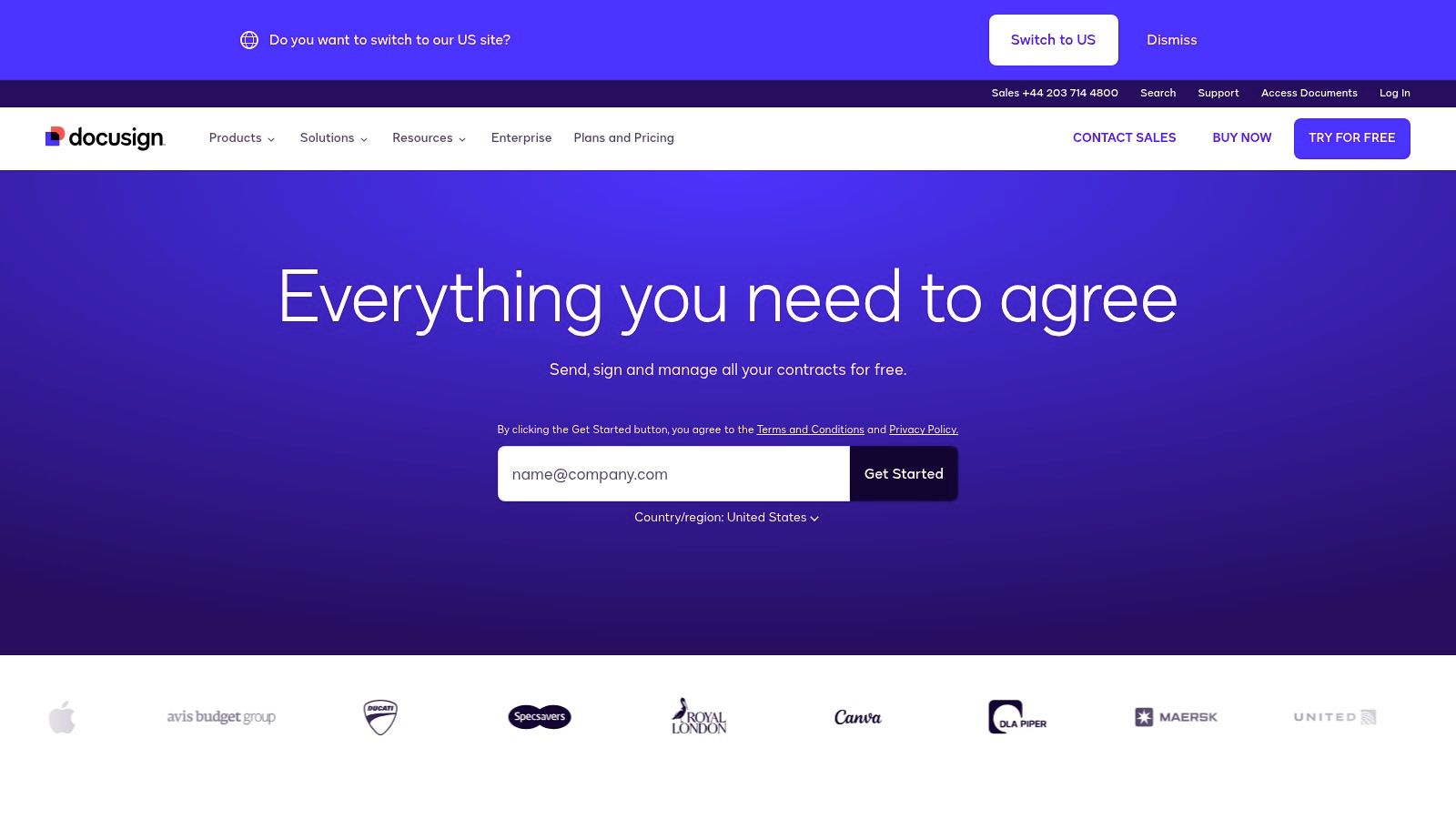
DocuSign is usually the first name people mention for electronic signing, and that familiarity matters in real workflows. Counterparties know it, admins know it, and policy teams tend to trust it because the ecosystem around it is mature. The platform supports plans for individuals, SMBs and enterprises, uses an envelope-based model for usage metering, and aligns with EU/UK eIDAS standards on its UK site (DocuSign UK).
Why teams pick it
DocuSign is built for volume and governance. The admin side is deeper than most SMB tools, and the envelope model makes the usage approach clear, even if the exact cost depends on region and contract. For organisations that need strong audit trails, policy controls and a vendor that’s widely accepted by other businesses, it’s hard to ignore.
The same scale that makes it attractive can also make it feel expensive at higher volumes. Envelope allowances can become a planning issue for SMBs, especially when signing volume rises unevenly through the year. That’s where buyers should check whether the package they want is a fit, or just the easiest brand to recognise.
Practical rule: If counterparties already expect DocuSign, the hidden cost of choosing a cheaper but less familiar tool can be more friction than savings.
DocuSign also has a direct internal relevance for teams building a site workflow. If your website collects leads, quote requests or onboarding forms, getting the admin email setup right is often the first step before you wire in any signing journey, and this internal guide explains that setup clearly: how to set a email address.
3. Dropbox Sign
Dropbox Sign feels stripped back in a good way. It’s the sort of app you choose when you want someone to send a contract, the recipient to open it quickly, and the signed copy to land in Dropbox or another storage location without anyone fighting the interface. The vendor’s UK site also keeps the legality notes plain, covering UK, EU and US use cases, and it supports embedded signing through API options (Dropbox Sign UK).
Where it falls short
The trade-off is depth. If you need heavyweight governance, more elaborate approval chains, or advanced policy controls, Dropbox Sign can feel lighter than the big enterprise platforms. The API bundle approach is useful for embedded signing, but high-volume integrations still need careful planning so you don’t discover request limits at the wrong moment.
For small teams that just need to get documents signed fast, it’s a sensible starting point. For a business that expects contract workflow to become more formal over time, it may be the point solution that eventually hands off to something broader.
4. PandaDoc
PandaDoc is less of a signing tool and more of a document revenue workflow platform. That makes it much more interesting for sales teams, agencies and service businesses that want proposals, pricing and signing in one place. Its product mix includes templates, a content library, pricing and quoting tools, a free eSign tier, and support for QES through trusted identity providers (PandaDoc).
Why it changes the job
If a team spends more time assembling a proposal than collecting the signature, PandaDoc can remove a lot of manual work. The document doesn’t just get signed, it gets built, branded, priced and sent in one flow. That’s why it’s attractive for businesses selling services, subscriptions or packaged work where the document itself is part of the sales process.
The free eSign tier is useful for lighter use, and it lowers the barrier to trying the platform. Once the team moves into higher tiers, the value becomes clearer for quoting and sales operations, but so does the price sensitivity. Advanced workflows, CPQ-style functions and more structured sales tools live higher up the ladder.
A website integration becomes especially useful here. If the site captures quote requests, service selections or payment steps, PandaDoc can sit behind that front end and turn interest into a signed document with less back-and-forth. For businesses that also need payments connected to sales workflows, this internal guide is relevant: website payment gateway.
Practical verdict
PandaDoc is strongest when the signature is only the final step in a bigger commercial process. If all you need is a simple approve-and-sign action, it’s more platform than you need. If your sales team wants fewer tools and cleaner proposal delivery, it earns its keep quickly.
5. signNow
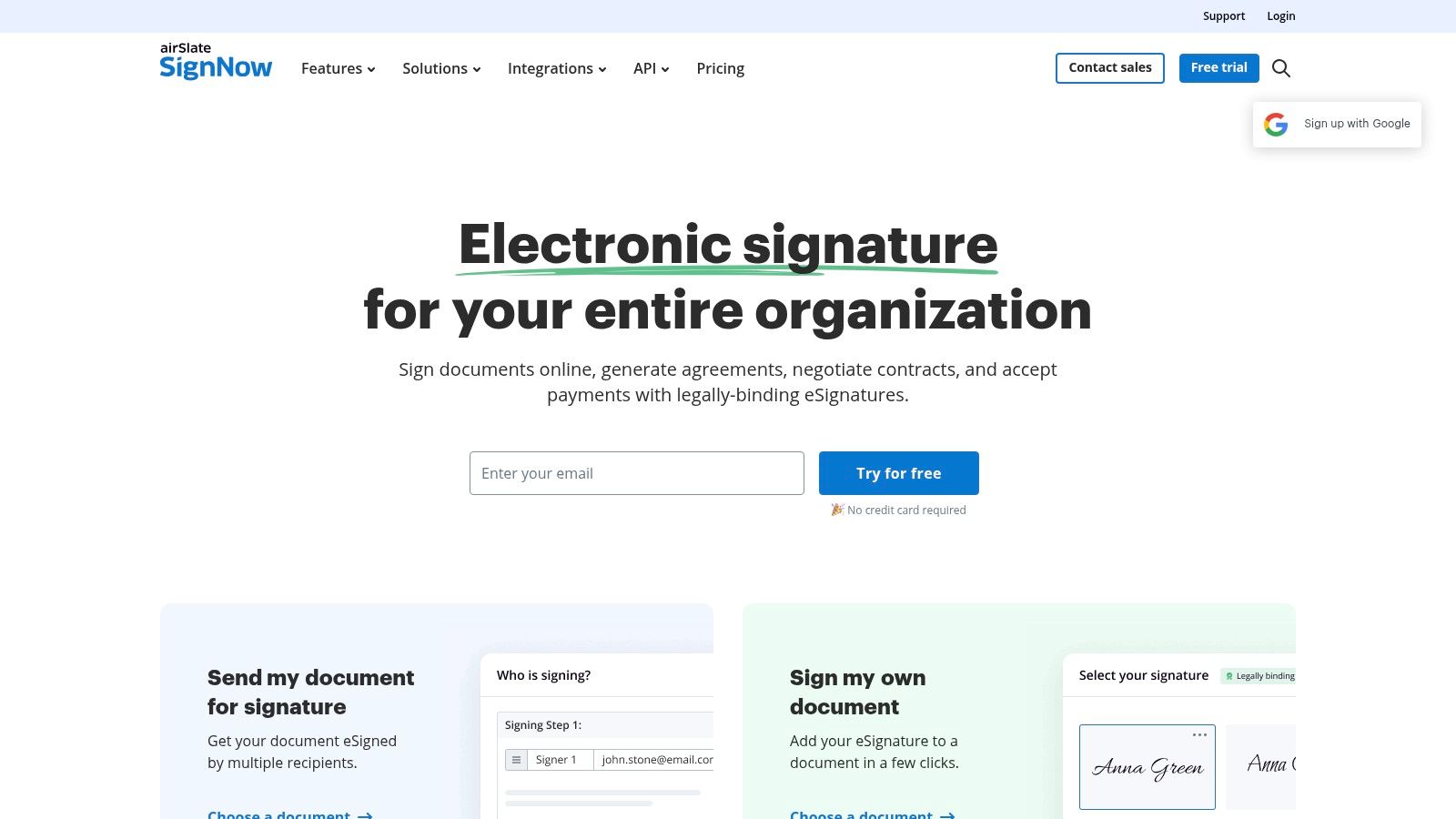
signNow is the value play in this group. It keeps the focus on the basics, templates, bulk send, mobile apps and a Kiosk Mode for in-person signing, without trying to dress the product up as a full agreement intelligence platform. The plan structure is straightforward, with Business, Business Premium and Enterprise options, plus APIs and integrations for common workflows (signNow).
What it feels like in use
signNow works well when the signing job is repetitive. Bulk send is useful for teams that issue similar documents to many recipients, and templates save time once the document structure settles down. The mobile apps make it practical for field teams and in-person signing, which is a real advantage if you’re not always in an office environment.
This is also one of the easier tools to justify if budget matters. It doesn’t rely on prestige, it relies on being functional at a lower entry point than many competitors. That makes it a sensible shortlist item for small businesses that want a proper signing app without overbuilding the process.
The limitations
The platform is less convincing when the business needs richer enterprise governance or more layered compliance add-ons. You can certainly build a serious workflow with it, but the most advanced admin and policy features are not its main story. That’s fine if the business doesn’t need them, and a problem if it does.
signNow is the sort of product that rewards clear internal process. If the team knows what gets signed, who sends it, and how the signed file gets stored, it can work very efficiently. If the process is still fluid, the simplicity may expose that rather than hide it.
6. Zoho Sign
Zoho Sign makes the most sense when the rest of the business already runs on Zoho. In that case, the signing app isn’t a separate decision, it’s part of a connected stack across CRM, Books, Forms and other Zoho tools. The service also supports UK eIDAS pathways with AES and QES through qualified trust service providers, and its pricing structure is published clearly on the product site (Zoho Sign).
Best fit for Zoho users
The product feels like a natural extension of the Zoho environment. Leads, invoices, forms and signatures can sit closer together, which reduces the usual copy-and-paste friction. That’s especially helpful for smaller organisations that don’t want one app for CRM, another for forms, another for documents and another for signing.
Zoho’s approach to AES and QES is useful for teams that need a path into higher-assurance signing without abandoning their core software stack. The catch is that those flows rely on external qualified trust service providers, which can add steps and may add cost. That’s not a flaw, it’s the nature of higher-assurance workflows.
Where it can slow you down
If you’re not already in Zoho, the value drops. The integration advantage becomes far less compelling when the business has to stitch Zoho into a different stack. Some advanced or qualified signing capabilities also sit outside the simplest base plan, so buyers should check exactly what’s included before they assume the higher-assurance path is automatic.
Zoho Sign is best viewed as a stack choice, not a standalone trophy product. If the rest of your operations already live there, it’s one of the tidiest options in the group.
7. Signable
A UK team sending low to moderate volumes of documents usually wants three things from signing software, local support, clear pricing and enough control to keep compliance tidy. Signable fits that brief well. It is UK-hosted, aligns with eIDAS, and offers monthly, annual and PAYG options, so it works for occasional senders as well as smaller teams (Signable).
Why UK buyers notice it
The local focus matters in practice. UK hosting and a UK vendor can make procurement easier, especially where data handling, support and contract ownership are reviewed closely. PAYG is useful when signing is irregular, because a subscription does not have to sit unused between bursts of activity.
That also suits smaller firms that want to keep overheads tight. Not every workflow needs a large contract suite, and not every business sends enough documents to justify one. Signable fits seasonal work, one-off transactions and straightforward signing jobs without forcing a heavy platform into the mix.
The trade-off
The main compromise is integration depth. Bigger global tools usually offer wider marketplaces and more connections, while Signable stays more focused. If your process depends on lots of third-party systems, that narrower scope may feel limiting. If your process is simple, it can make day-to-day use easier.
For UK businesses that want a local provider without extra clutter, Signable is a clean fit. It also works well where the website is being built quickly and the signing flow needs to slot into forms, embedded signing, compliance evidence and a fast 1stNet-built site integration without a long setup cycle.
8. Legalesign
A witness-heavy signing flow needs more than a neat send-and-sign screen. Legalesign is built with legal, property and professional services workflows in mind, and that focus shows. It offers witnessed electronic signatures, often referred to as eWitnessing, plus granular compliance controls and UK-oriented guidance, which makes it especially relevant when evidence and process discipline matter (Legalesign).
The practical strength
For documents where witnessing or execution mechanics matter, Legalesign feels more purpose-built than generic signing apps. In UK practice, the question is often what exact process, evidence and witness handling the app preserves. Legalesign is opinionated about those steps, which suits teams that need a clear audit trail rather than a broad feature list.
Its pricing is transparent, and its presence in UK public sector marketplaces adds another layer of credibility for buyers who want a domestic focus. That can matter when procurement teams need a provider that fits UK compliance expectations rather than a broad global tool adapted for the market.
For teams handling data protection alongside signed documents, this guide on data protection regulations is a useful companion.
What to watch
The interface and ecosystem are more utilitarian than the glossy global suites. The trade-off is a less polished user experience compared to glossy global suites. Integrations are also more limited than the biggest vendors, so it works best when the signing process is fairly defined.
Legalesign is a strong choice when evidential need beats brand familiarity. If your documents are ordinary sales contracts, it may be more specialised than necessary. If your process needs witnessed signing, tighter UK framing, and a website flow that can slot into forms, embedded signing, compliance evidence and a fast 1stNet-built site integration, it can be exactly the right amount of tool.
9. E-Sign
E-Sign takes a pragmatic approach over brand flair, which is useful for UK businesses that want a local provider and a clear route from basic e-signing to AES and QES. Its plan grid sets out advanced and qualified signature levels, and the public pricing plus VAT references make the commercial model easier to understand before any sales call (E-Sign UK).
Why it matters
The practical advantage is choice. A team can begin with standard electronic signing, then move to a higher-assurance flow if the document or customer group calls for it. That suits organisations that first need to digitise approvals, then later need a firmer execution process for specific contracts.
The UK base also helps when support and procurement need a domestic supplier with a clearer line of sight on costs. For teams that do not want an enterprise sales process before they have even tested the fit, that is a real benefit.
The caution
Qualified electronic signature flows usually bring extra steps and trust service provider checks, so the upgrade path needs planning. It is a workable route, but it is not something to treat as a simple switch. Teams should expect a bit of operational friction once they move into higher-assurance work.
E-Sign suits UK businesses that may grow from simple e-sign into more formal identity-backed workflows. It is a practical shortlist option for website forms, embedded signing, compliance evidence and a fast 1stNet-built site integration.
10. Juro
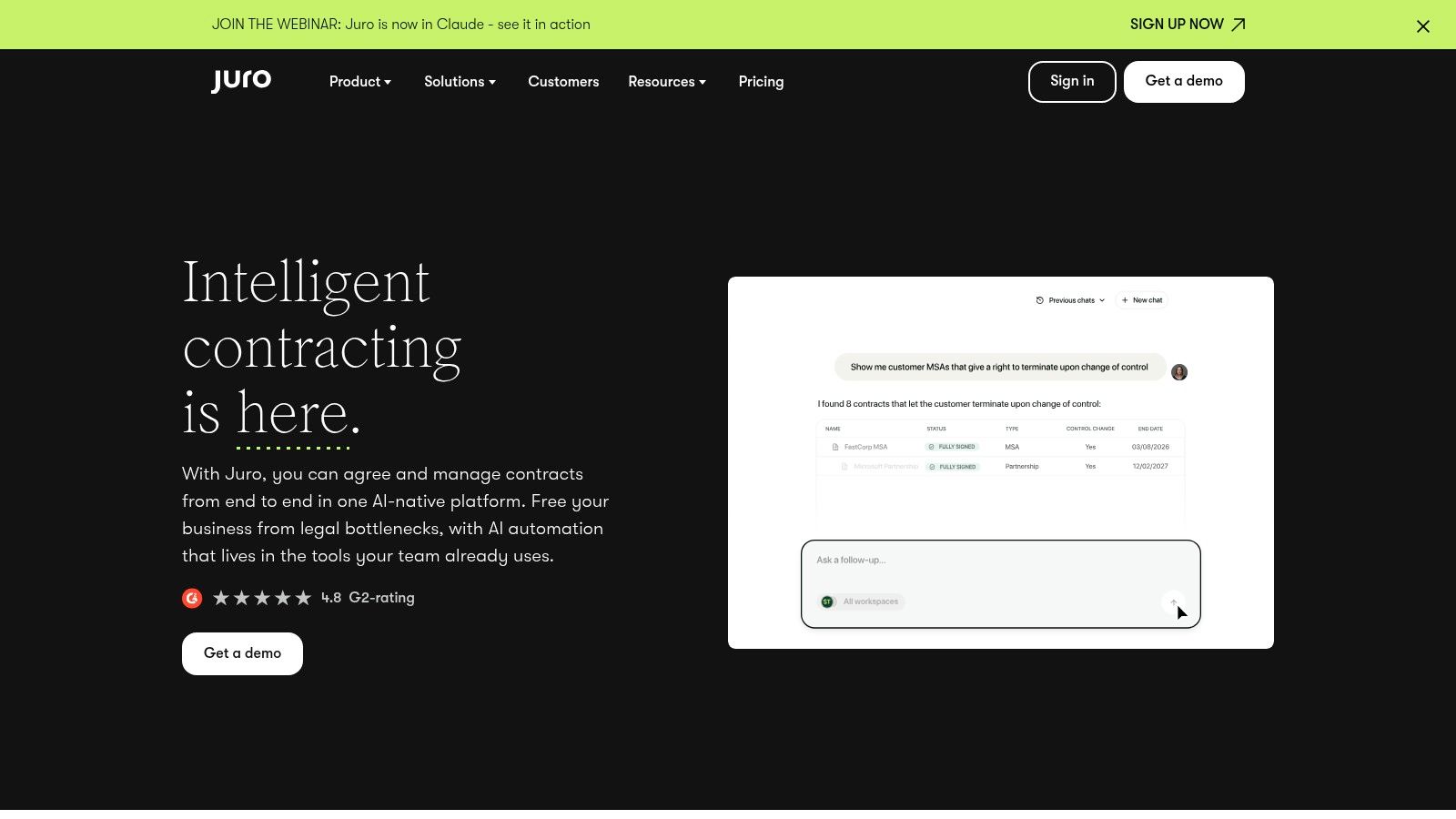
Juro is the contract automation choice in this list, not the lightweight signing choice. It combines contract creation, negotiation, approvals and signing in one system, and its native e-signature is designed to comply with AES requirements under EU and UK eIDAS (Juro).
What it solves
Juro is most useful when the business wants to reduce tool sprawl. Instead of drafting in one place, approving in another and signing somewhere else, the contract moves through one environment. That saves admin, cuts down on version confusion and gives legal and commercial teams a shared working surface.
This is especially valuable for teams that handle many repeated agreements. The more contracts pass through the same lifecycle, the more it matters that the creation, review and signing steps stay together. Juro is built around that reality.
The downside
Pricing is sales-led and aimed at teams rather than solo users, so it’s not a casual buy. If the only thing you need is a quick signature on a PDF, Juro is too much platform. If your bottleneck is contract workflow, it can be a serious operational improvement.
The UK-based vendor angle also matters for buyers who prefer a domestic legaltech provider. That won’t decide the purchase on its own, but it can make the procurement conversation easier when the workflow is sensitive.
Top 10 eSignature Apps Comparison
| Product | Core features | UX / Quality (★) | Price / Value (💰) | Target audience (👥) | Unique selling points (✨ / 🏆) |
|---|---|---|---|---|---|
| Adobe Acrobat Sign | eIDAS compliance, Acrobat PDF workflows, audit trails | ★★★★★ Enterprise-grade | Sales‑led, premium 💰💰💰 | 👥 SMBs → Enterprises, PDF‑centric workflows | ✨ Tight Acrobat integration, 🏆 Compliance resources & governance |
| DocuSign eSignature | Envelope metering, wide integrations, admin & audit controls | ★★★★★ Mature & trusted | Tiered; envelope costs can rise 💰💰 | 👥 Individuals → Enterprises, high‑volume senders | ✨ Massive ecosystem, 🏆 Market leader & widely accepted |
| Dropbox Sign | Simple send-to-sign, Dropbox auto-save, embedded API | ★★★★ Intuitive & fast | Competitive entry, trial available 💰 | 👥 Small teams, Dropbox users, devs | ✨ Ease-of-use, embedded signing API |
| PandaDoc | E-sign + templates, content library, pricing/CPQ tools | ★★★★ Sales‑oriented workflows | Free eSign; paid tiers for CPQ 💰💰 | 👥 Sales & services teams needing proposals | ✨ Proposals + quoting in one, 🏆 Strong templates |
| signNow (airSlate) | Templates, bulk send, Kiosk Mode, APIs | ★★★★ Functional & value‑focused | Lower entry pricing 💰 | 👥 Budget SMBs; bulk senders | ✨ Kiosk & bulk workflows, 💰 cost‑effective |
| Zoho Sign | Zoho suite integrations, AES/QES via partners, enterprise plans | ★★★★ Integrated UX for Zoho users | Good value for Zoho customers 💰 | 👥 Zoho customers; SMBs | ✨ Tight Zoho ecosystem, QES pathways |
| Signable | UK‑hosted data, eIDAS/GDPR, PAYG & simple plans | ★★★ Simple & local | Transparent PAYG/plans; low‑volume friendly 💰 | 👥 UK small businesses, occasional senders | ✨ UK data residency & local support |
| Legalesign | eWitnessing, AES focus, public sector frameworks | ★★★★ Tailored for legal workflows | Transparent pricing; public sector presence 💰💰 | 👥 Legal, property, professional services (UK) | ✨ eWitnessing & evidential controls, 🏆 UK legal focus |
| E‑Sign (UK) | AES/QES plan grid, local pricing, upgrade paths | ★★★ Localised & flexible | Published UK pricing, VAT refs 💰 | 👥 UK SMBs needing AES→QES options | ✨ Flexible upgrade paths to QES |
| Juro | Contract automation, native AES e‑sign, approvals & negotiation | ★★★★ All‑in‑one contract UX | Sales‑led, team pricing 💰💰 | 👥 Legal/contract teams, mid‑market | ✨ Contract automation + signing, 🏆 Reduces tool sprawl |
Turn Your Chosen Signature App Into a Working Website Flow
There isn’t one universal winner in apps for signatures. Choose Adobe Acrobat Sign or DocuSign when governance, trust and broad ecosystems matter most. Choose Dropbox Sign or signNow when the priority is fast, focused signing with less overhead. Choose PandaDoc or Juro when the job is sales or contract workflow, not just collecting a signature. Choose Zoho Sign when the rest of the business already runs on Zoho. Choose Signable, Legalesign or E-Sign when UK focus, residency or an AES/QES path matters more than a giant global ecosystem.
The right decision starts with the document, not the logo. Define what gets signed, who sends it, who signs it, and what evidence the business needs to keep. Then confirm the plan limits and pricing directly with the provider, because enterprise-led products and usage-based models can change the cost faster than the marketing pages suggest.
After that, decide how the website should connect. Some businesses only need a linked form that routes the customer into the signing workflow. Others need embedded signing inside the site itself, especially when the signature is part of a quote, onboarding or customer service journey. If the site is being built quickly, a 1stNet-built landing page can hold the form structure, SSL, hosting, maintenance and support around the chosen signing platform, while the signature vendor remains responsible for its own workflow, evidence trail and compliance documentation.
A practical rollout usually looks like this. Map the signer journey from first click to completed document. Check mobile behaviour before launch, because many customers will sign on a phone. Preserve audit evidence and decide where the signed file, confirmation email and internal copy should live. Review privacy and retention duties too, because signature convenience doesn’t remove data handling responsibility.
For businesses that need the website side built fast, the 24-hour launch option, interactive live chat design process and 30-day money-back guarantee can shorten the path from decision to live workflow. That does not replace legal review or vendor due diligence, but it does mean the front end of the process can move quickly while the signing app does the compliance-heavy work behind it.
If you’re ready to connect a clear website flow to the right signing tool, 1stNet AI Ltd can build the page, wire the forms and keep the hosting and maintenance side under control. Visit 1stNet AI Ltd to get a fast UK website setup that fits your signing workflow and gives your team a cleaner path from enquiry to signed agreement.