
You’ve decided your business needs a website, then opened three tabs telling you three different things. One recommends WordPress, another insists on Webflow, and a third says you should code everything yourself. Meanwhile, customers are still finding you through social media, referrals, or an old directory listing, and you’re wondering whether the website project will ever leave the planning stage.
The practical answer is simpler than the internet makes it sound. How to build a website from scratch starts with a business decision, not a design tool. Decide what the site must achieve, choose an appropriate level of technical complexity, secure the infrastructure, publish useful pages, and assign responsibility for keeping everything working after launch.
That last point matters most. The UK Business Data Survey 2024 reported that 68% of UK businesses had a website and 32% did not. Ownership was much higher among larger firms, with 99% of large businesses, 97% of medium businesses, and 93% of small businesses reporting a site, compared with 74% of micro businesses and 65% of sole traders. A website is now a standard business asset, but the smallest firms still face the biggest practical barrier, time.
Planning Your Website Before Writing a Single Line of Code
A local heating engineer can spend a week comparing WordPress themes and still have no answer to the question that matters: what should a visitor do after landing on the homepage? If the answer is “request a quote”, the site needs a clear service area, proof of experience, a simple contact route, and strong calls to action. It doesn’t need a complicated animation or a bespoke customer portal.
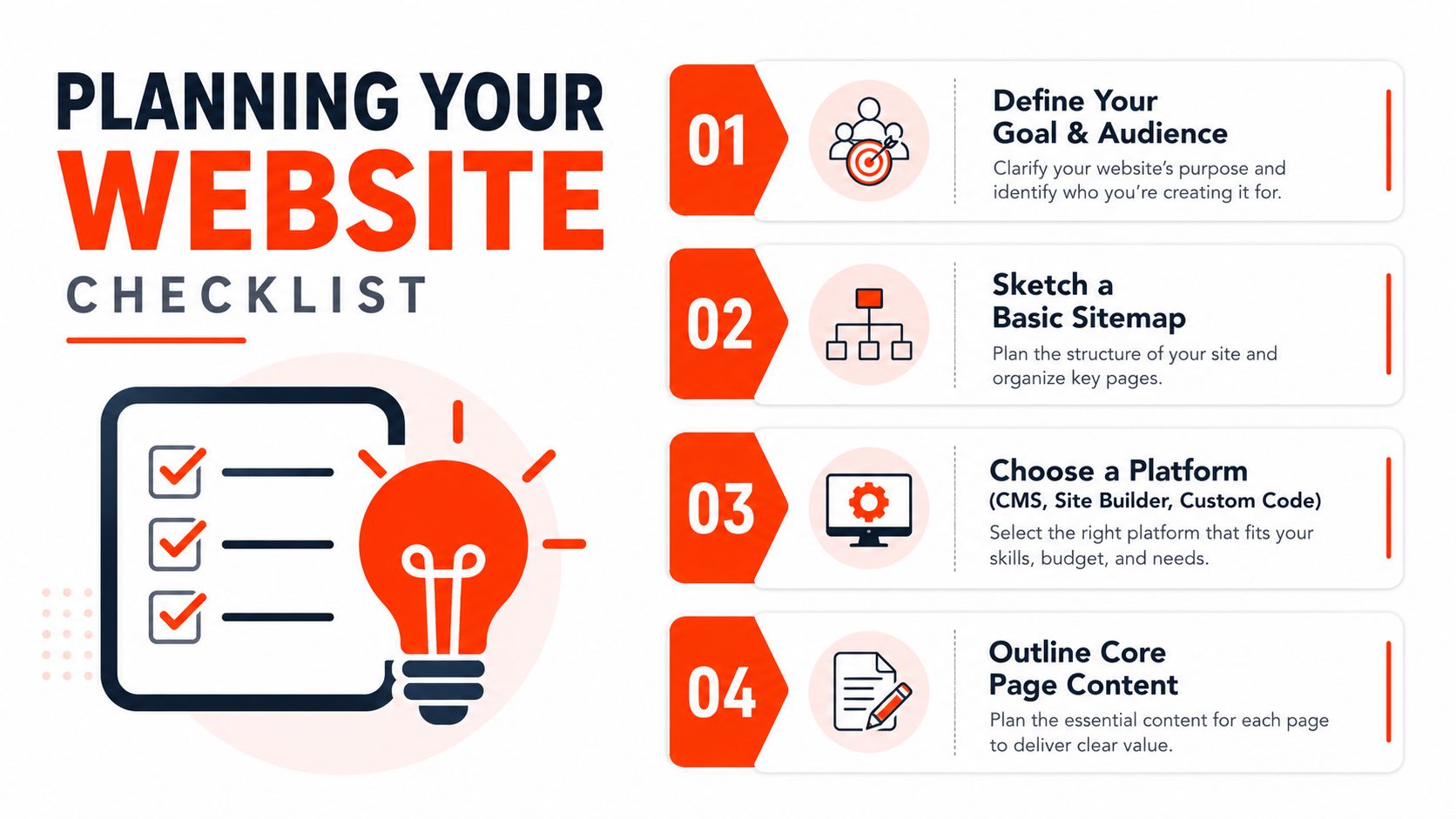
Start with a one-page brief. Write down your primary conversion goal, your ideal customer, the locations you serve, the services or products you want to prioritise, and the action you want visitors to take. Keep secondary goals, such as reading advice or joining a mailing list, subordinate to the main commercial outcome.
Map the customer journey
Describe the route in plain English:
- Arrival: A customer finds your service page through search, a referral, or a social profile.
- Reassurance: They understand what you offer, where you work, and why they should trust you.
- Decision: They see relevant evidence, clear terms, and an obvious next step.
- Action: They call, submit a form, book an appointment, or complete a purchase.
- Follow-up: You receive the enquiry and know who owns the response.
This exercise exposes weak websites early. If your main call to action leads to a form nobody checks, the design isn’t the problem. Your operating process is.
Sketch a sitemap on paper
For most small businesses, begin with a compact structure:
- Home: State who you help, what you provide, and the next action.
- Services or products: Give each important offering enough space to answer buyer questions.
- About: Show the people, experience, values, and credentials behind the business.
- Contact: Make phone, email, location, opening information, and forms easy to find.
- Legal and support pages: Add privacy, cookie, terms, delivery, returns, or booking information where relevant.
Audit your existing material before commissioning new copy. Gather your logo, brand colours, photographs, service descriptions, testimonials, qualifications, policies, and contact details. Mark each item as ready, needs editing, or missing. This prevents the familiar situation where a polished homepage sits unfinished because nobody supplied the service information.
Practical rule: Build the first version around the customer’s decision, not around every idea the business has ever had.
Keep version one realistic. A focused brochure site can create a credible starting point, while an oversized site creates a maintenance obligation before you’ve learned what customers need. Your brief should make it easy to reject attractive features that don’t support the primary goal.
Choosing Between a CMS and a Custom Build
There isn’t one correct platform for every UK business. A content management system, or CMS, gives non-technical users an administration area for editing pages, publishing articles, and managing routine content. A custom build gives developers greater control over the frontend, integrations, data flows, and specialised functionality.
A five-page site for a domestic electrician doesn’t need the same architecture as a manufacturer with product configuration, stock logic, and connections to internal systems. Choosing custom development because it sounds more professional is poor advice if your team then struggles to update a phone number. Choosing a basic template for a complex operation creates a different problem, usually a growing pile of workarounds.
Compare the real trade-offs
| Factor | CMS (WordPress/Squarespace) | Custom Build (Next.js/Laravel) |
|---|---|---|
| Initial build | Faster for standard pages, forms, blogs, and modest shops | Longer discovery and development, especially for bespoke workflows |
| Ongoing maintenance | Requires controlled updates, plugin management, backups, and access governance | Requires developer ownership, framework updates, deployment discipline, and technical monitoring |
| Content updates | Business staff can usually edit content through the CMS | Editors may need a connected CMS or developer support, depending on the setup |
| Growth | Suitable for many brochure sites and ordinary commerce projects | Strong choice where integrations, complex logic, or unusual user journeys drive growth |
| Main risk | Plugin conflicts, inconsistent updates, and excessive add-ons | Higher dependence on specialist skills and a more involved release process |
For a 10-page brochure site, I’d normally favour a managed CMS or site builder. It keeps the content accessible and avoids paying for engineering complexity that customers won’t notice. Choose a clean theme, limit plugins, and document who can make changes.
A 50-page e-commerce operation needs more scrutiny. Product data, payments, fulfilment, customer accounts, search, and marketing integrations can push a standard setup beyond its comfortable limits. A CMS can still work, but only when somebody owns performance, security, catalogue quality, and update testing.
Decide who will maintain the platform
The platform decision is also a staffing decision. Ask:
- Who edits content? If the answer is the owner, choose an interface they can use confidently.
- Who handles incidents? A site that fails on a weekend still needs an accountable contact.
- Who approves updates? Nobody should install changes blindly on a revenue-generating site.
- Who owns the accounts? The business should control domains, hosting, analytics, and administrator access.
The Office for National Statistics business release recorded £220 billion in website sales by UK businesses with 10 or more employees in 2016, compared with £111 billion in 2009. The same release reported that 45% of all UK businesses had a website in 2016, while 40% of micro-enterprises did. The historical lesson is clear: a website can support commercial activity, but only when the business treats it as working infrastructure rather than a one-off brochure.
Registering Your Domain and Setting Up Hosting With SSL
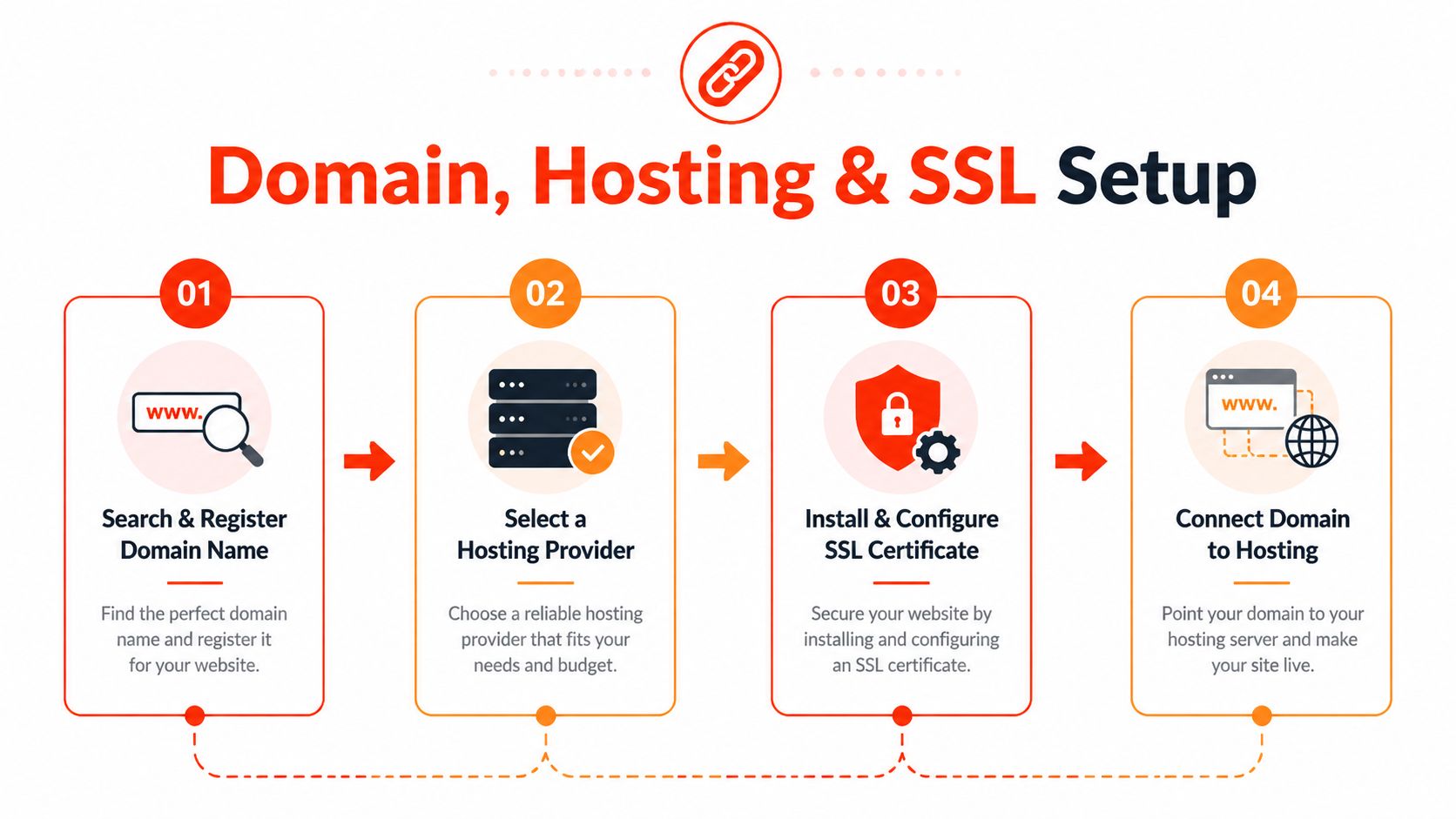
Your domain, hosting, and SSL aren’t separate errands. They form one chain, and the business should own every link.
Register the domain in the legal business name or in an account controlled by the owner. Don’t let a developer keep the only registrar login. If the relationship ends, recovering a domain can become an unnecessary dispute. For a .co.uk address, use a reputable registrar with appropriate UK domain support. For a .com, choose an established provider and check renewal terms before committing.
Choose a name customers can say, spell, and remember. Avoid clever punctuation, unexplained abbreviations, and a domain that only makes sense when someone sees your logo. Check relevant trade marks and similar businesses before registering.
Match hosting to the website
Shared hosting suits a simple brochure site with modest technical demands. Managed WordPress hosting can reduce the administration burden by handling parts of the platform environment, while a cloud VPS provides greater control and resource allocation for businesses with more demanding applications. Don’t choose solely on storage or a low introductory price.
Check the provider’s backup policy, support route, server location, account ownership, upgrade path, and security controls. Ask whether backups are restorable, whether support can investigate an outage, and whether the hosting arrangement allows your website to move elsewhere.
Treat HTTPS as infrastructure
HTTPS protects the connection between the visitor and your website. The National Cyber Security Centre explains that TLS uses X.509v3 certificates to verify identities and recommends publishing services only over HTTPS, redirecting HTTP to HTTPS, and using HSTS so future connections use HTTPS rather than unencrypted HTTP.
For most small business sites, a correctly configured free certificate from Let’s Encrypt is sufficient. The important part is not the badge in the browser. It’s enforcing HTTPS across the site, checking that forms submit securely, renewing certificates automatically where possible, and preventing mixed-content warnings.
Connect the domain to the hosting account, confirm that the correct site loads, check both the root and www versions if you use them, and test redirects. Keep the registrar, hosting, and SSL renewal responsibilities documented. A website that launches securely but nobody can renew is only temporarily secure.
Designing Pages and Building On-Page SEO Foundations
Design and SEO should be built together. A visually impressive page with vague headings and buried contact details wastes the visitor’s attention, while a technically tidy page with no persuasive content won’t generate enough action.
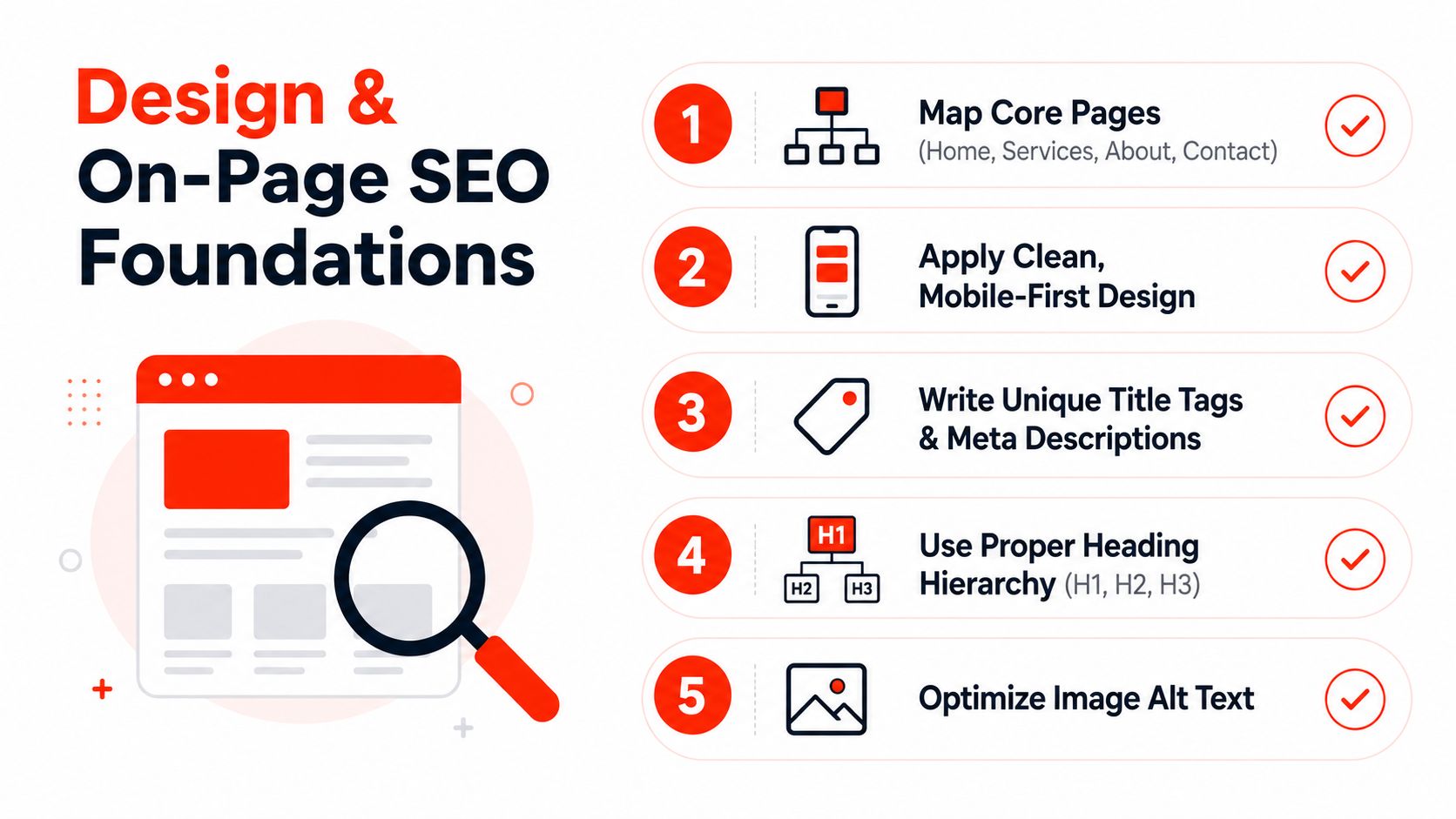
Start by assigning each important page a job and a search theme. The homepage can target the broadest description of the business, while service pages answer specific buyer questions. Avoid making every page target the same phrase. Search engines and customers both benefit when each page has a distinct purpose.
Build a readable page hierarchy
Each page needs a clear main heading, supporting subheadings, useful copy, and a visible next step. Write the title tag for searchers, not for internal project language. Use the meta description to summarise the page accurately and encourage a relevant click.
A service page should answer practical questions:
- What is provided? Explain the scope in ordinary language.
- Who is it for? Mention customer types, locations, or situations where relevant.
- What happens next? Describe the enquiry, booking, or buying process.
- Why trust this business? Use verifiable experience, qualifications, guarantees, or evidence.
- What should the visitor do? Give one prominent action rather than a collection of competing buttons.
Use semantic HTML and a logical heading order. Add descriptive alternative text to meaningful images, leave decorative images appropriately identified, and don’t put essential instructions inside graphics. Good accessibility often improves clarity for every visitor, not just people using assistive technology.
Design for phones and real behaviour
A responsive layout must work on small screens, not merely shrink a desktop page. Check tap targets, form fields, menus, font sizes, image crops, sticky elements, and the order in which content appears. A customer looking for a local service may be standing outside, using one hand, and trying to call quickly.
Keep the visual system disciplined. Use a small colour palette, readable typography, consistent button styles, and enough whitespace to separate decisions. Convert large images to suitable modern formats such as WebP where your platform supports them, and use lazy loading for below-the-fold media. Don’t put a heavy video background above the first call to action just because the template offers one.
Internal links should guide people to the next useful page. Link a service explanation to a relevant FAQ, a case example to the service it supports, and an advice article to a contact route. This helps visitors and gives crawlers clearer paths through the site.
Good design earns attention. Good structure tells people what to do with it.
The UK’s public-sector guidance increasingly treats WCAG 2.2 AA as the minimum benchmark, while the Government Digital Service accessibility position acknowledges that even its own site aims for that standard while remaining partially compliant because known issues exist. For an SME, that means accessibility belongs in the first build, not in a later redesign. Test keyboard navigation, colour contrast, labels, focus states, error messages, and screen-reader structure before launch.
Securing Your Site and Planning Ongoing Maintenance
A website isn’t finished when the publish button works. The owner still needs a process for updates, backups, access, monitoring, content, and incident response.
For a CMS, update the core platform, themes, and plugins through a controlled routine. Test important forms and purchase paths after changes. Remove unused extensions rather than leaving dormant software exposed. Limit administrator accounts, use strong unique passwords, enable multi-factor authentication where available, and record who has access.
Privacy work needs the same practical attention. If the site collects names, phone numbers, emails, payment details, or marketing preferences, publish an understandable privacy notice and configure cookies and consent appropriately. Document how enquiries are stored, who can access them, and when obsolete information is removed. If your business sells services online, check cancellation and refund information carefully. Citizens Advice explains that UK consumers generally have a 14-day cooling-off period for services bought online, by phone, or by mail order, and may be entitled to a full refund unless work was already requested during that period.
Give maintenance a named owner
Use a simple operating rhythm:
- Before launch: Complete a security review, create an off-site backup, verify administrator access, and test recovery.
- Weekly: Review updates, test key forms, check visible errors, and confirm that enquiry notifications arrive.
- Monthly: Review security events, broken links, content accuracy, indexing issues, and unusual traffic patterns.
- Quarterly: Test a backup restoration, review user permissions, inspect performance, and remove obsolete content or integrations.
The exact calendar can vary, but the ownership can’t be vague. “Someone at the agency” is not a maintenance plan. Name the internal decision-maker and the external technical contact, then record how incidents are escalated.
Know when to outsource
Self-management makes sense when the owner has the time and technical confidence to complete the work consistently. A managed service makes more sense when the site supports enquiries, bookings, payments, or reputation, and nobody internally can respond to failures.
Budget for maintenance as an operating cost, not an unpleasant surprise. The site needs content updates as well as security work. Stale opening times, discontinued services, broken forms, and outdated staff information damage trust even when the software remains patched.
Launch Timelines Costs and the 24-Hour Managed Option
The cheapest build path isn’t automatically the cheapest business decision. A DIY CMS project might take a business owner 4 to 8 weeks, with annual hosting, domain, and premium plugin costs of £200 to £800, according to the supplied planning benchmarks. A custom-coded site can take 8 to 16 weeks and cost £3,000 to £10,000 or more, depending on complexity. Those figures don’t include the owner’s learning time, delays supplying content, revisions, or the work required after launch.
| Factor | DIY CMS Build | Agency Custom Build | Managed 24-Hour Launch |
|---|---|---|---|
| Time to launch | Depends on the owner’s availability and confidence | Usually longer because discovery, design, development, and approval are separate stages | Aims to take the site live within one business day when requirements and assets are ready |
| Cost pattern | Platform, hosting, domain, premium tools, and unpaid owner time | Project fee plus future support and development | Managed package with infrastructure and support included, subject to the provider’s terms |
| Owner involvement | High, especially for content and troubleshooting | Medium, with approvals and content decisions required | Focused on supplying requirements, brand assets, content, and feedback |
| Maintenance burden | Sits mainly with the owner unless separately outsourced | Depends on the agency support agreement | Includes an ongoing maintenance route, with scope defined by the provider |
| Scalability | Good for straightforward sites, less suitable for unusual workflows without careful planning | Strong where bespoke functionality justifies the investment | Suitable for fast business launches, with more complex requirements assessed separately |
A managed 24-hour option suits a tradesperson who needs a credible site before taking on new work, a startup preparing to announce its service, or a small retailer that already has content and product information ready. It doesn’t remove the need for decisions. It compresses production by putting infrastructure, design, configuration, and launch responsibility with one team.
A 1stNet.AI website team can launch a site fast with a domain, SSL, hosting, and maintenance included, with an accelerated process designed to take a website live within 24 hours. It also offers an interactive live chat system to design the website, phone support at 0204 577 2255, and a 30-day money-back guarantee. Treat those as commercial terms to review, not substitutes for supplying accurate content or agreeing who will manage the site afterwards.
Choose DIY when you have time and want control. Choose custom development when your processes require it. Choose managed delivery when the cost of waiting is greater than the cost of delegating the build, and make sure the post-launch ownership model is written down before work begins.
1stNet AI Ltd offers UK small businesses a managed website process covering design, domain registration, SSL, hosting, launch, SEO foundations, maintenance, and ongoing support, including a 24-hour launch option for suitable projects. Visit 1stNet AI Ltd to discuss your requirements, use the interactive live chat design workflow, and choose a package with a clear route from brief to post-launch care.