
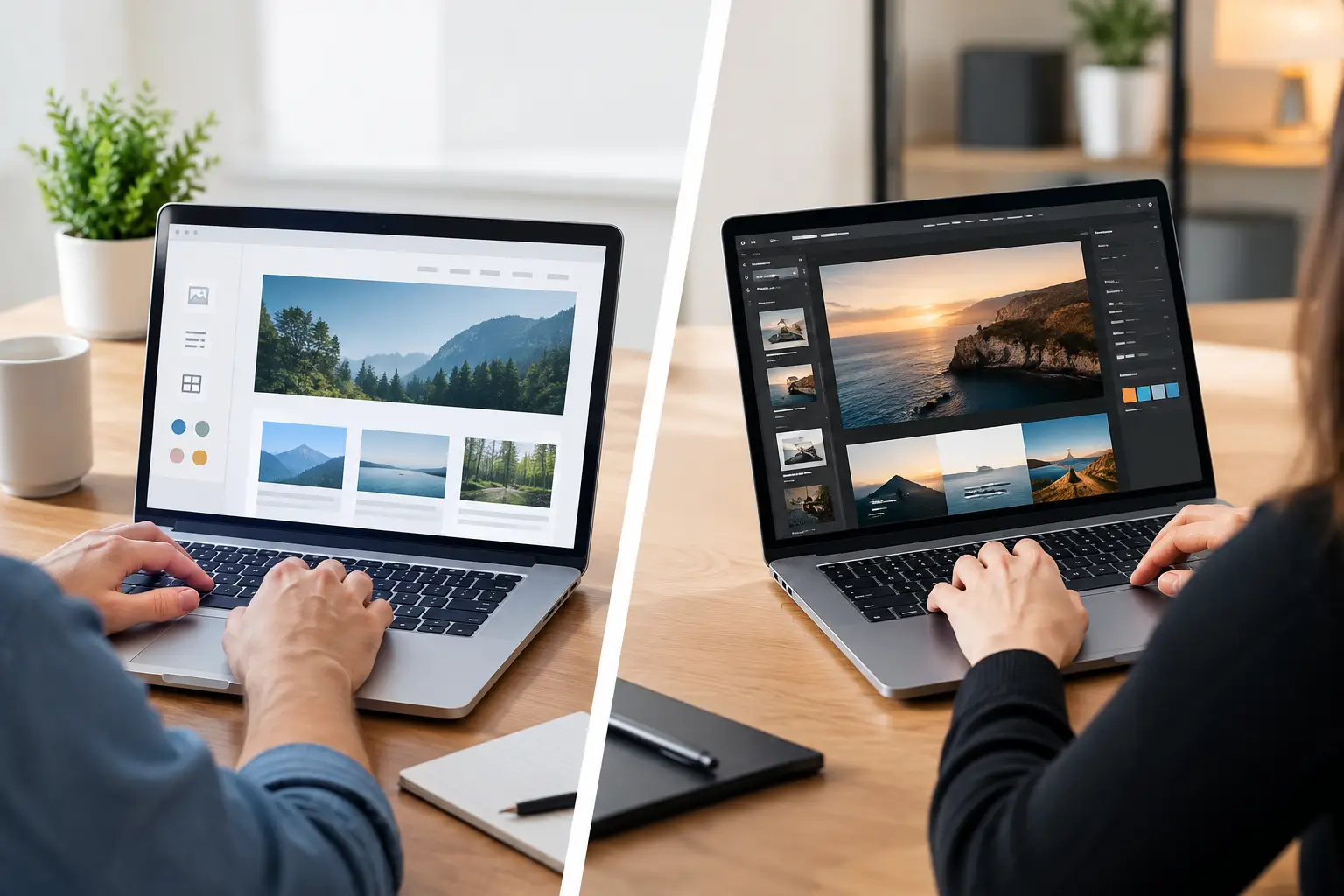
A website builder can make a business look online in an afternoon. That can be a real advantage when you need a basic presence quickly. But DIY websites versus professional design is not simply a question of who can publish first. It is a decision about where you spend your time, how confidently customers judge your business and whether your website supports growth after launch.
For a UK small business, the right answer depends on the job the site must do. A simple brochure site for a new local service may suit a capable owner and a well-chosen template. A site expected to generate enquiries, take payments, rank locally and stay secure needs more planning than most people expect.
DIY websites versus professional design: the real difference
DIY website platforms are designed to reduce the technical barrier. You select a template, add your logo, write your pages and publish. The upfront cost is usually lower, and you keep direct control over small changes. If you have a clear brand, strong copy and time to learn the platform, this route can be perfectly sensible.
Professional design is not just paying somebody to make the pages look nicer. A good managed service brings structure to the project: page goals, mobile layout, calls to action, search basics, domain and hosting setup, security, testing and ongoing maintenance. It replaces a collection of separate jobs with one accountable team.
The gap becomes obvious when something changes. A DIY site may be easy to edit until an update breaks a form, a domain renewal is missed, a page stops displaying properly on mobile or you need help understanding why traffic is not becoming enquiries. Professional support gives you a person or team to call rather than another help-centre article to interpret.
Start with the cost of your time
The monthly fee for a website builder can look attractive, particularly when cash flow matters. It is worth comparing the full cost, not only the subscription price. Premium templates, booking tools, ecommerce features, stock imagery, email accounts, domain renewal, SSL, analytics and marketing add-ons can all change the total.
Then there is your time. Writing content, resizing images, learning design settings, building forms, checking mobile pages and handling errors can consume evenings that would otherwise go into customers, quotes or operations. For a sole trader, a few lost jobs while building a site can cost more than professional help.
That does not mean DIY is always false economy. If you need one or two pages, have a tight launch budget and are comfortable maintaining the site, it may be the right first step. The key is to set an honest limit. If your site is still half-finished three weeks later, or leads are being lost because the contact journey is unclear, the cheaper route has stopped being cheap.
A managed plan can make budgeting simpler because the essentials are grouped into one predictable payment. No secrets here: ask exactly what is included, what support covers, who owns the domain and what happens if you need extra functionality later.
Speed means more than publishing a homepage
DIY tools are fast when your needs fit the template. You can publish a holding page, service list and contact form with minimal delay. That is useful for testing an idea, announcing a new venture or giving existing customers somewhere to find you.
The problem is that rapid publishing is not always rapid readiness. A live website should be checked across phones, tablets and desktops. Forms should send to the right inbox. Page titles and descriptions need attention. Images must load efficiently, and privacy, cookie and contact details need to be appropriate for your business.
Professional delivery can be faster overall when you factor in the time you would spend deciding, learning and correcting. A done-for-you team can gather the essentials, build the right page structure and deal with technical setup while you approve the work. For businesses that need to launch around a campaign, seasonal offer or new location, that saved time can be commercially significant.
Design is about trust, not decoration
Visitors make quick judgements. A dated template, awkward mobile spacing, generic imagery or a hard-to-find phone number can make a legitimate business feel less established than it is. This matters especially for local services, trades, independent retailers and professional firms, where a customer may compare several providers before making contact.
A professional designer considers the order in which visitors need reassurance. What do you do? Who do you help? Where do you work? Why should someone trust you? What should they do next? Those questions shape page layout, wording and buttons far more than fashionable colours do.
DIY templates can still look good, but they need restraint. Use a small colour palette, readable type, genuine photographs where possible and one main action per page. Do not add a moving banner, five competing buttons and a paragraph of jargon simply because the editor allows it. Clarity converts better than clutter.
Mobile is the practical test
Most local searches happen on a phone, often when the customer is ready to act. Test your own site as a customer would: find a service, check the area you cover, call the number and submit an enquiry. If any step feels slow or awkward, it needs fixing.
Professional design normally builds mobile behaviour into the process from the start. That helps protect enquiries that might otherwise disappear before they reach your inbox.
Search visibility needs work after launch
A beautifully designed site that cannot be found is not doing its full job. DIY platforms often provide SEO fields, but fields are not a strategy. You still need useful service pages, clear location information, relevant page titles, sensible headings, fast-loading assets and content that answers real customer questions.
There is also a growing consideration: AI search visibility. Search tools and AI-generated answers favour clear, accurate information that is easy to interpret. That does not require gimmicks. It requires well-organised pages, specific services, credible business details and content written for people first.
Professional support is valuable here because it joins design and visibility rather than treating SEO as an afterthought. A page built around one service and one customer need is easier to understand, easier to navigate and more likely to produce a meaningful enquiry.
Security, updates and ownership are easy to overlook
A website is not a leaflet. It runs on software, hosting, certificates, plugins or integrations that need attention over time. Neglected updates can create security risks, broken features or compatibility problems. The issue often appears at the least convenient moment, such as during a promotion or when a customer is trying to pay.
With DIY, you are responsible for understanding what needs updating and when. Some platforms manage more of this than others, but you should still know who controls the domain, hosting, email and backups. Keep ownership details recorded in your business files, not only in one employee’s personal account.
With a fully managed service, maintenance and support are part of the value. 1stNet AI, for example, brings design, hosting, SSL, optimisation and ongoing technical help together, which can remove the need to coordinate several suppliers. Before choosing any provider, confirm response times, backup arrangements, cancellation terms and whether you can retain control of your core business assets.
Choose based on what your website must achieve
DIY is a sensible choice when the site is small, the budget is limited, you have time to manage it and the consequences of a technical issue are low. It can also work well for a temporary campaign page or early-stage idea where speed matters more than sophistication.
Professional design is usually the stronger investment when your website is a key sales channel. Choose it if you rely on leads, need ecommerce, serve competitive local markets, require ongoing changes or simply cannot afford to become your own designer, developer and support desk.
There is a middle ground too. You can begin with a managed starter site, then add pages, booking tools or ecommerce features as the business grows. What matters is choosing a setup that does not trap you in a website you are afraid to touch or too busy to improve.
Before you decide, write down the one action you want a visitor to take: call, request a quote, book, buy or visit. Choose the option that gives that action the best chance of happening consistently, while leaving you free to run the business behind it. A website should make your next customer feel confident, not give you another job to manage.